Know what’s going bad before it’s gone bad.
Oat milk · Fridge1 week 2 days
Expired puts a countdown on everything in your fridge, freezer and pantry, and tells you while there is still time to use it.
Launching soon
One month free, then $4.99 a month or $39.99 a year.
A bag of salad, Monday to Friday.
Fridge · use by Saturday
- Monday 5 days
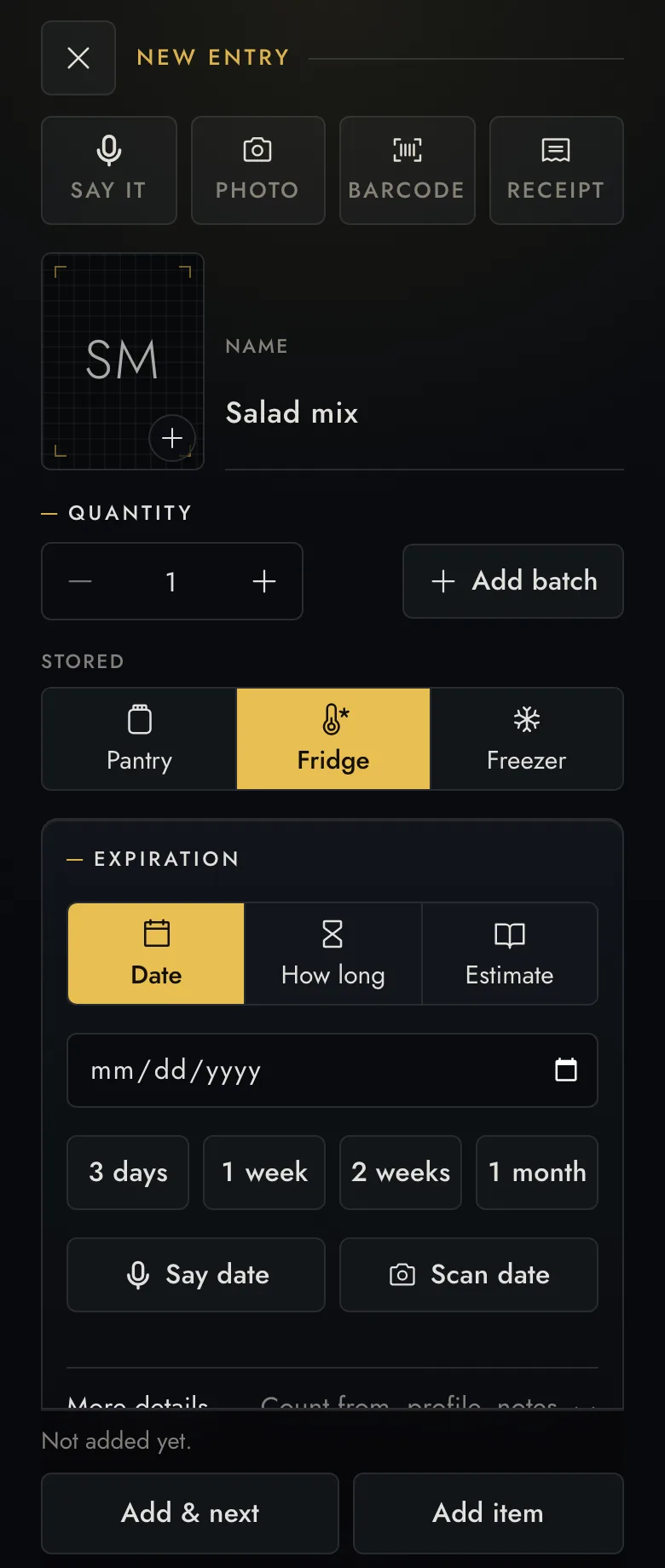
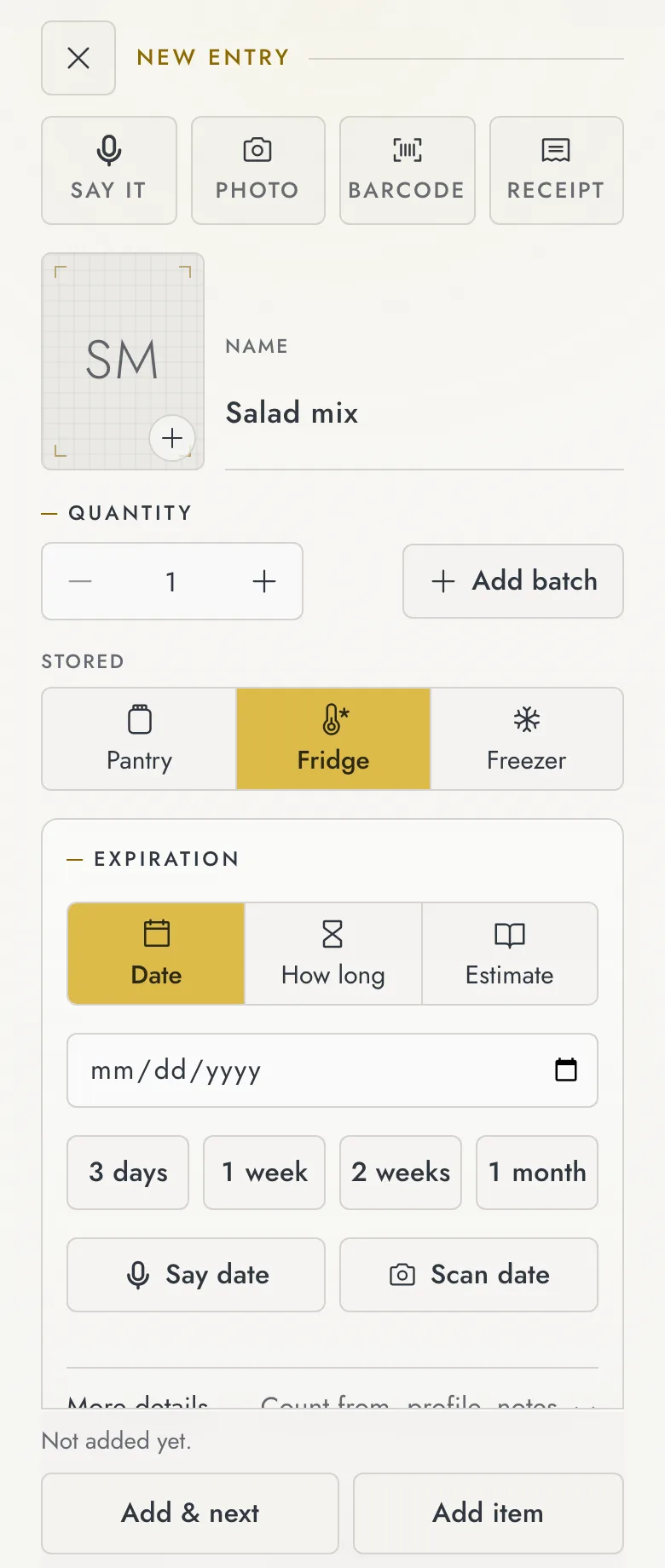
Added. Named, stored and dated on the counter.
- Tuesday 4 days
Nothing to do. It counts down by itself.
- Wednesday 3 days
Still nothing.
- Thursday 2 days
Reminder. It turns amber, and your phone says so.
- Friday 1 day
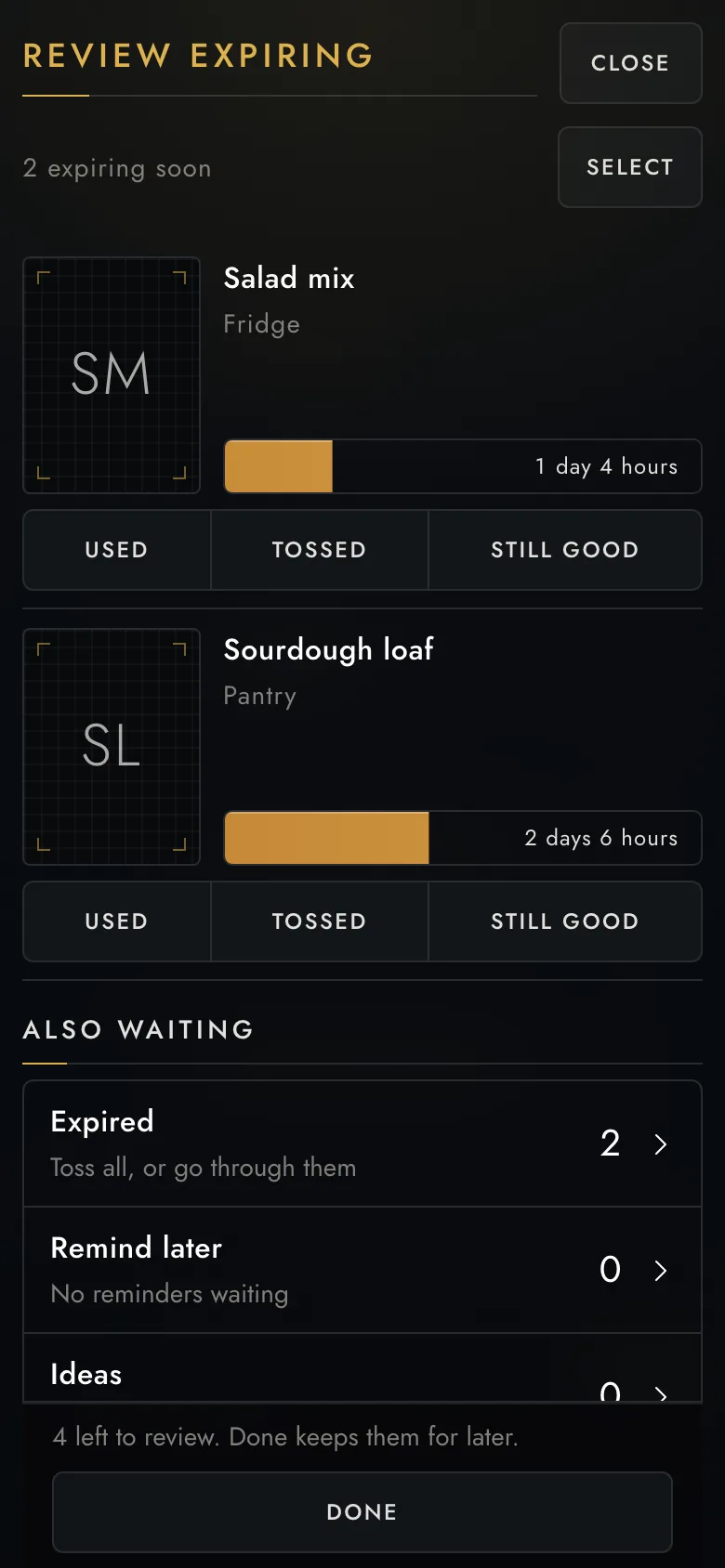
Used. One tap in Review, and it is off the board.
Four moments, a few seconds each.
It goes on the board before it goes in the fridge.
Monday, 6:12 PM
Say the whole entry (“greek yogurt, opened today, lasts two weeks”), photograph it, scan the barcode, or scan the receipt for the whole shop. For the date, scan the stamp on the package, say it, or take the estimate from the built-in storage guidance.
The reminder comes while there is still time.
Thursday, 9:00 AM
You choose how far ahead, from an hour to 90 days, and can set it per category. Quiet hours keep it out of the night.
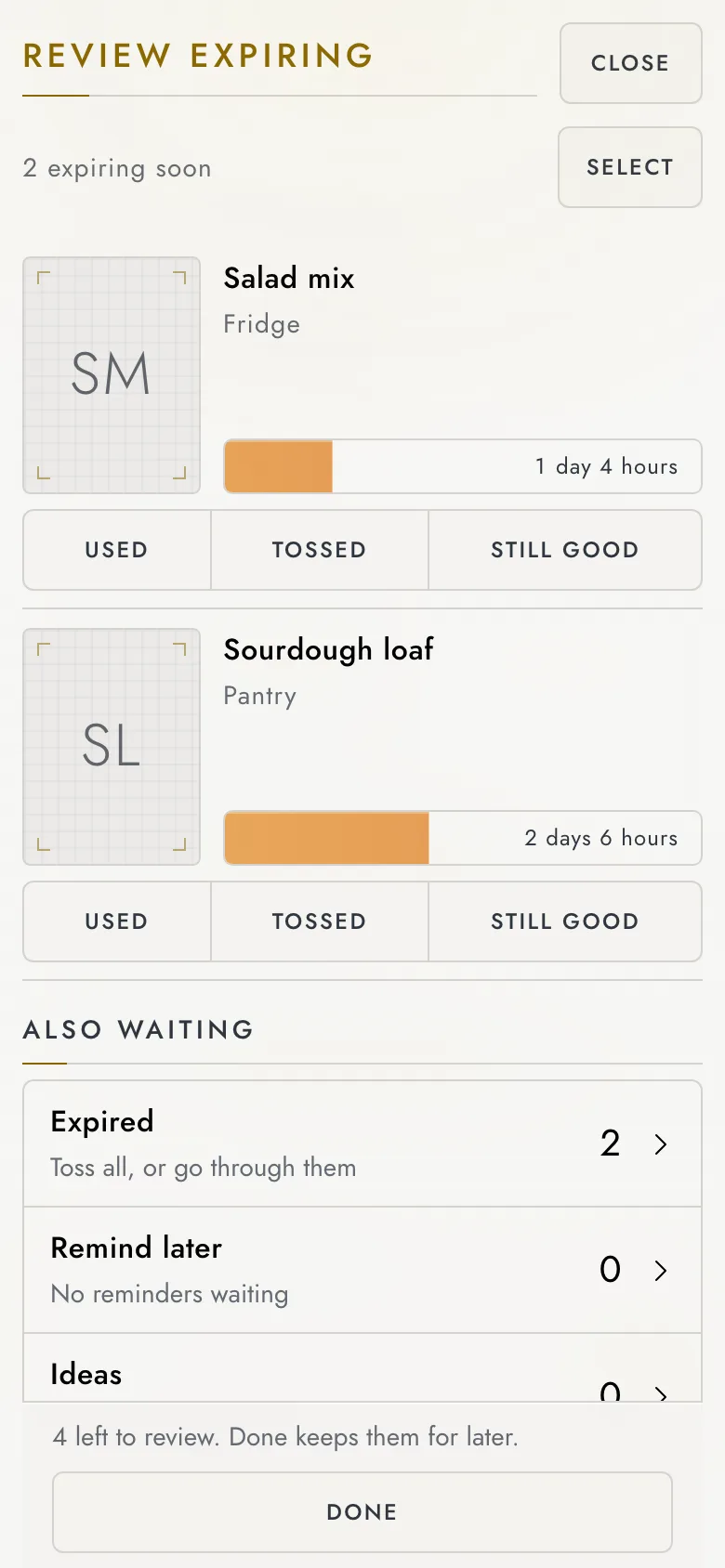
Review asks one question.
Friday
Used, tossed, or still good. Each is one tap, with Undo if you slip. Whatever expired while you were away waits in one place, with Toss all for the lot.
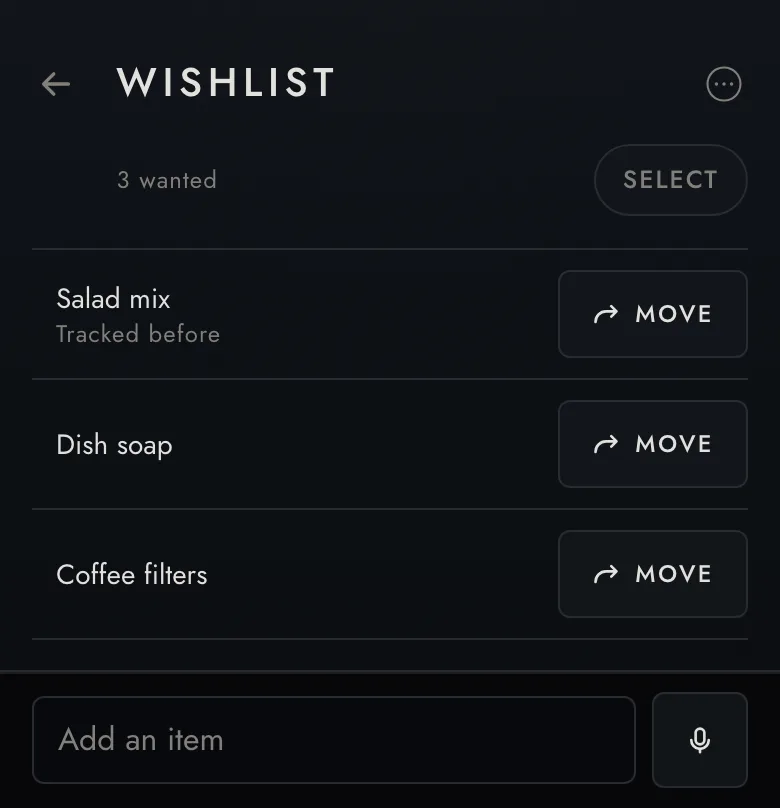
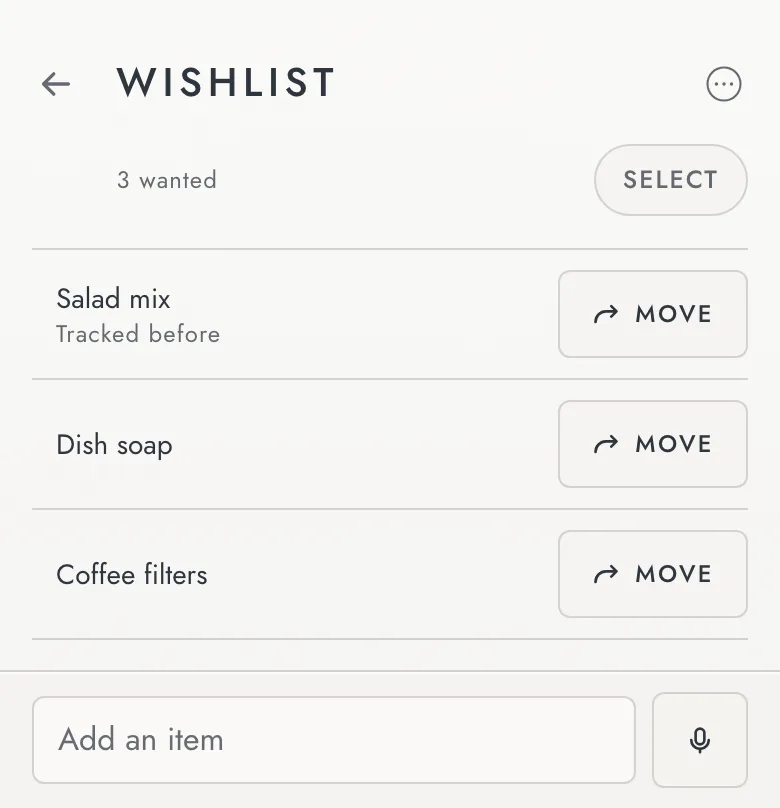
Buying it again is already on the list.
Saturday
Finish the last of something and Buy again puts it on your Wishlist. Move it to a shopping list, tick it off at the store, tap Track, and the countdown starts over.
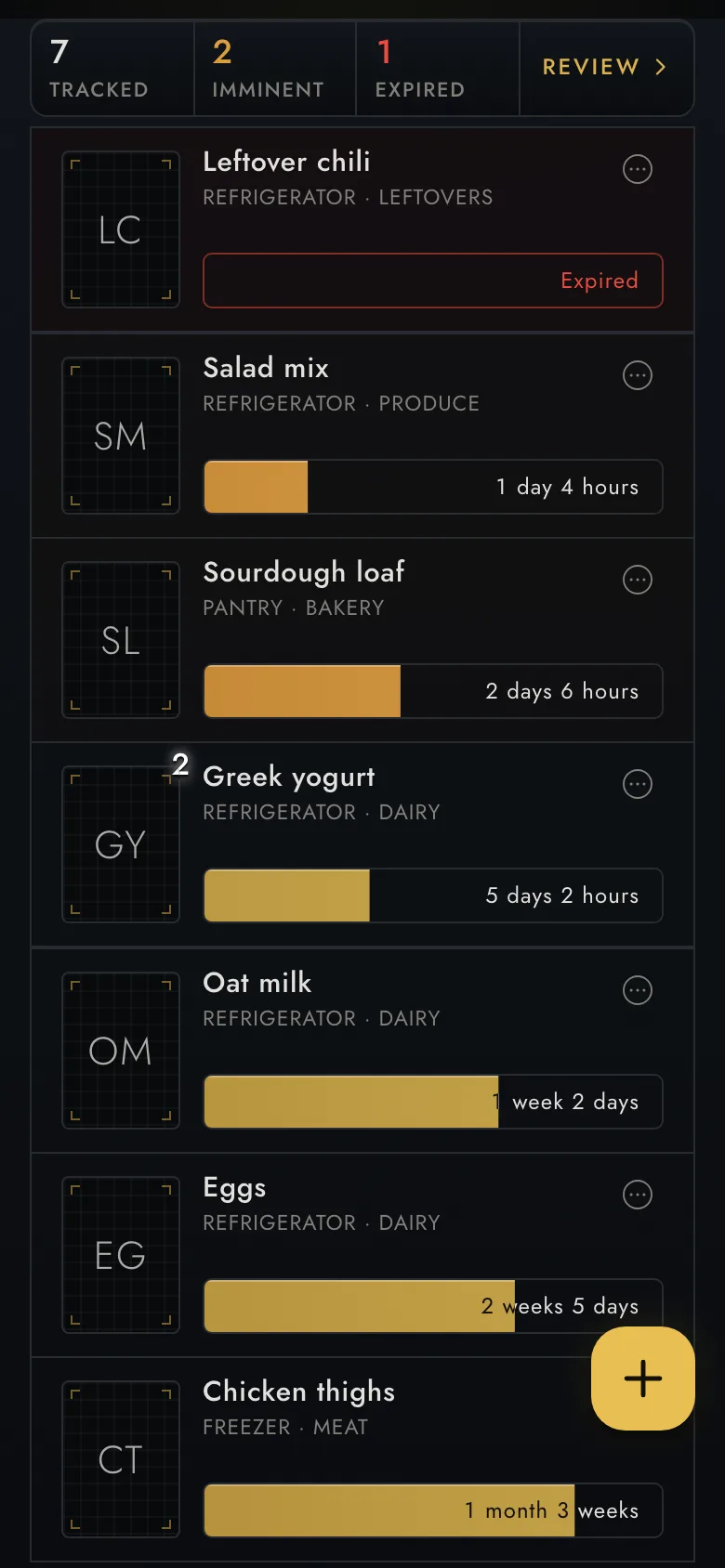
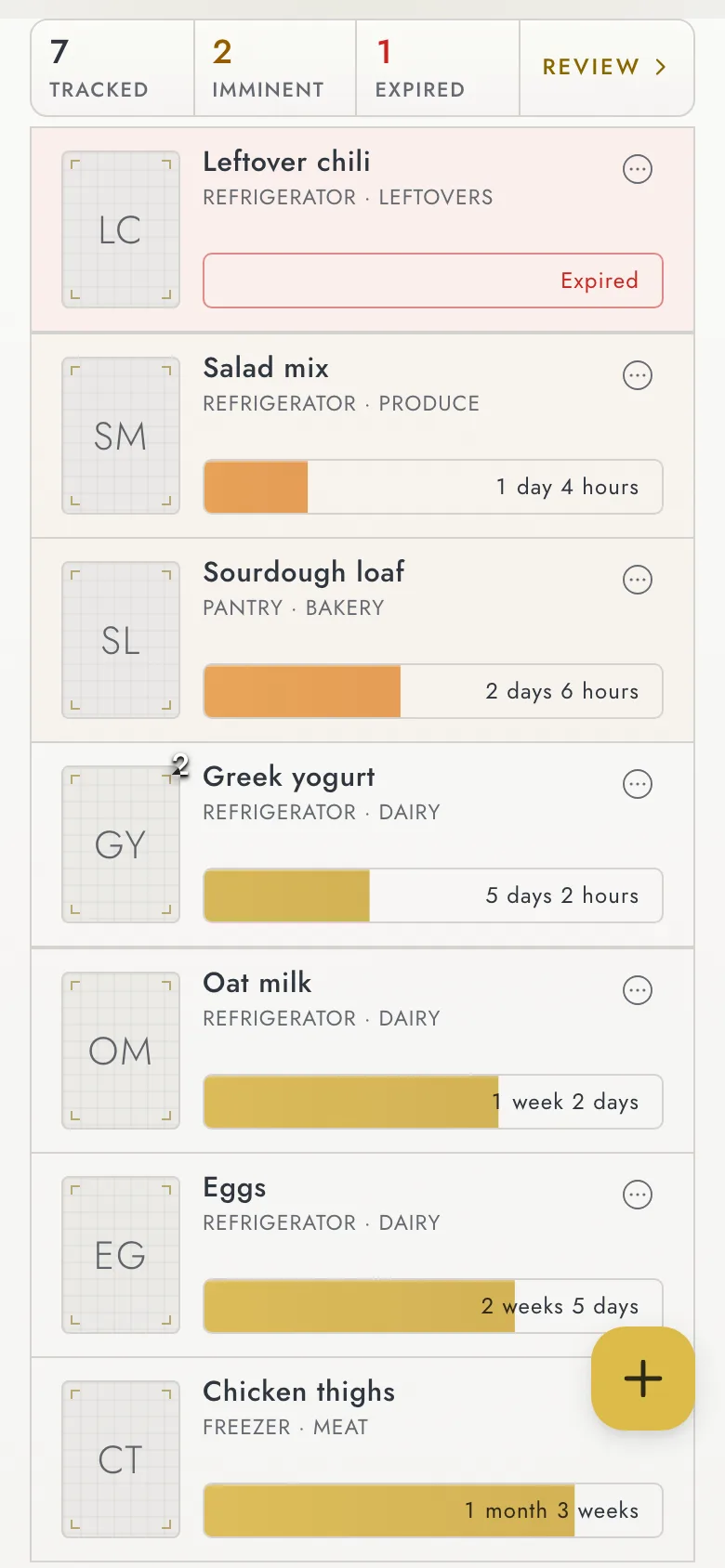
One screen answers what needs attention.
Every item carries a meter that drains from the day you bought it to the day it is due. The soonest sits at the top, so the first thing you read is the next thing to use.
- 1 week 2 days
- Gold while there is time.
- 1 day 4 hours
- Amber once it is close. You decide how close.
- Expired
- Red only once the date has passed, so it always means something.
Back from a week away? Everything that lapsed is gathered into one row, “Expired while you were away”, so the board is not thirty red lines.
Also on board.
- Batches
- Three cartons, three dates. Each batch keeps its own quantity, storage and countdown, and you can split one in two.
- Storage guidance
- For common foods, Expired suggests a date for the pantry, fridge or freezer, counted from the day you bought or opened it. You decide whether to use it.
- Several items at once
- Photograph the haul on the counter and review every row before anything is added.
- Already tracked?
- Add something you already have and Expired offers to add to it. Review points out likely duplicates so you can merge them.
- Restock
- Bought the usual again? Restock swaps the finished batch for a fresh one and keeps the product on file.
- Undo
- Most actions offer Undo, and deleted items wait in Recently deleted for 7 days.
- No passwords
- Sign in with a passkey, or with a six-digit code sent to your email.
- Your data
- Export everything, or delete your account, from Settings.
The same board on every screen you own.
Expired runs in any modern browser and installs from there like an app. It also ships as apps for iPhone and Android. Push reminders work on all three, and what you add on one shows up on the others.
Web · iPhone · Android
One plan. One month free.
Then $4.99 a month, or $39.99 a year.
Launching soon
- Everything in the app: adding, the board, reminders, Review and lists.
- 150 photo, receipt and date scans a month (100 during the trial), and 100 more for $1.99 if you need them.
- One person, on your own phone, tablet and browser.
- Cancel anytime. One free trial per person.
Questions.
Do I have to log every single item?
No. Track the things that hurt to waste. Adding one is quick: say it, photograph it, scan the barcode, or scan the receipt for a whole shop.
Is it only for food?
Food is where Expired starts: fridge, freezer, and pantry, with built-in storage guidance for common foods. But anything with an expiration or best-by date can go on the board. If it has a date, it can have a countdown.
Expiration dates and best-by dates aren't the same thing. Which does it track?
Both. You enter whichever date the product carries. A best-by date isn't a cliff: past it, food is often still safe, just not at its best. Expired's job is to help you use things while they're at their best, so what you paid for doesn't quietly fade at the back of the fridge.
What happens when something is about to expire?
You get a push notification ahead of time, and you choose how far ahead. In the app the item turns amber as its date gets close. Once the date passes it turns red and waits in Review, where you mark it used, tossed, or still good.
What does it cost?
One month free, then $4.99 a month or $39.99 a year. There is one plan, and it includes everything in the app. In the iPhone app, the App Store shows the price and any trial before you subscribe.
Are scans unlimited?
No. Photo, receipt and date scans draw on a monthly allowance: 150 with a subscription and 100 during the trial. Subscribers who need more can buy 100 extra scans for $1.99. Barcode scans, voice entry and typing do not use scans.
What happens after the free trial?
Your trial lasts one month. After that the plan you chose renews until you cancel, and you can cancel anytime. Without an active subscription, tracking pauses; Settings stays open so you can resubscribe or export your data.
Can my whole household use it?
At launch, each subscription is for one person. Use your account on your own phone, tablet, and browser. Shared accounts and invitations are planned for later and are not included at launch.
Which platforms does it run on?
Expired runs in any modern browser, where it can be installed like an app, and ships as apps for iPhone and Android. Push notifications work on all three.
I deleted something by accident. Is it gone?
No. Deleted items can be restored from the app’s settings for 7 days before they’re removed for good.
Start the clock.
One month free. A kitchen that finally reports back, and a lot fewer science projects in the crisper drawer.
Launching soon